
Redeem Your Animated Wallpaper

Enter the unique code included with your qualifying Macveth Deskmat. Your code will be applied and used on the matching animated wallpaper.

₱200 DIGITAL VALUE INCLUDED

From Your Desk to Your Screen.

Each qualifying deskmat includes a one-time code that unlocks its matching animated wallpaper.

One code per deskmat • One-time use
REDEEM YOUR Free wallpaper

Enter Your Redemption Code

Use your one-time deskmat code to unlock the matching wallpaper product in Shopify.

āœ“ You will be redirected to the wallpaper collection with your discount applied.
Where can I find my redemption code?

Your unique one-time redemption code can be found on the redemption card included inside eligible Macveth Deskmat packages.

From Deskmat to Digital.

Your matching animated wallpaper is only a few simple steps away.

01
ā—‡

Find Your Code

Locate the unique one-time redemption code included inside your deskmat package.

āœ“ One-time code
02
→

Redeem Your Code

Enter your code and Shopify will apply it to your eligible wallpaper.

āœ“ Discount applied
03
↓

Checkout ₱0 & Download

Complete the digital order at ₱0 and receive access to your matching animated wallpaper.

āœ“ Digital delivery
Don’t have a code? Shop qualifying deskmats →
Browse Collections

More Art for Your Screen.

Discover more Macveth artworks and bring a different atmosphere to your desktop anytime.

MACVETH DIGITAL ANIMATED
WALLPAPER
ANIMATED
Digital Wallpaper
MACVETH DIGITAL

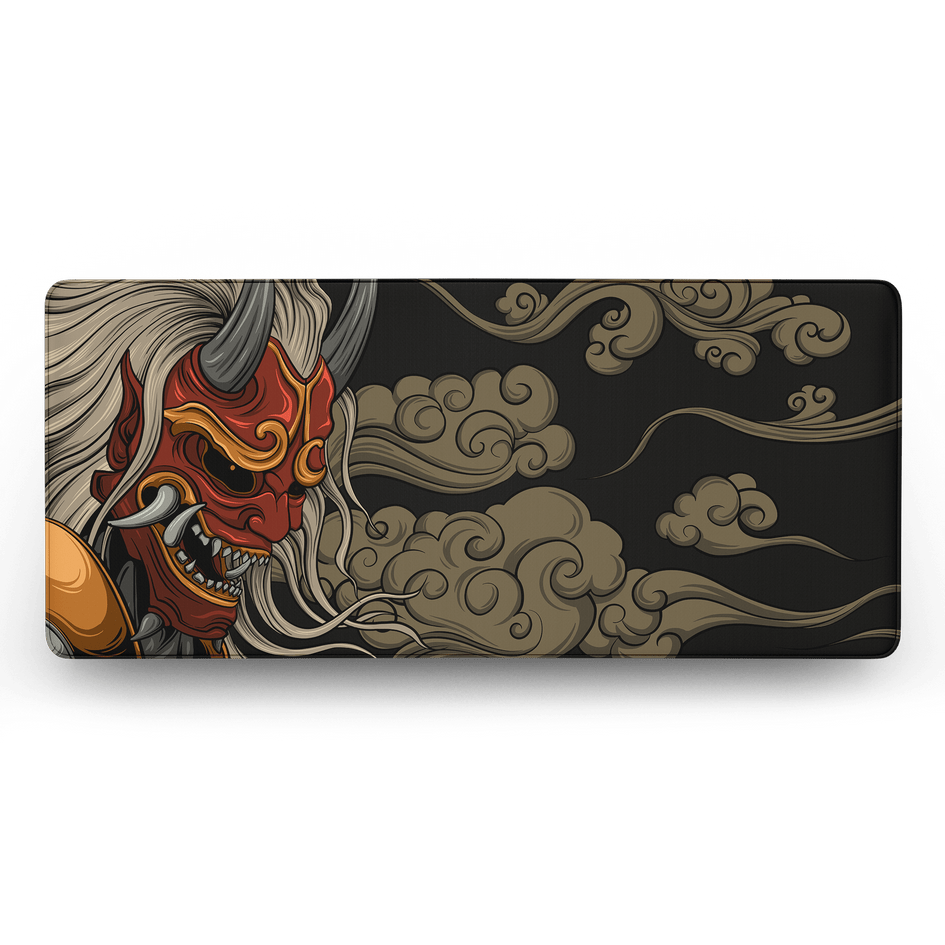
Daruma — Red

Bring another Macveth artwork to life on your screen.

DIGITAL DOWNLOAD
₱200
MACVETH DIGITAL ANIMATED
WALLPAPER
ANIMATED
Digital Wallpaper
MACVETH DIGITAL

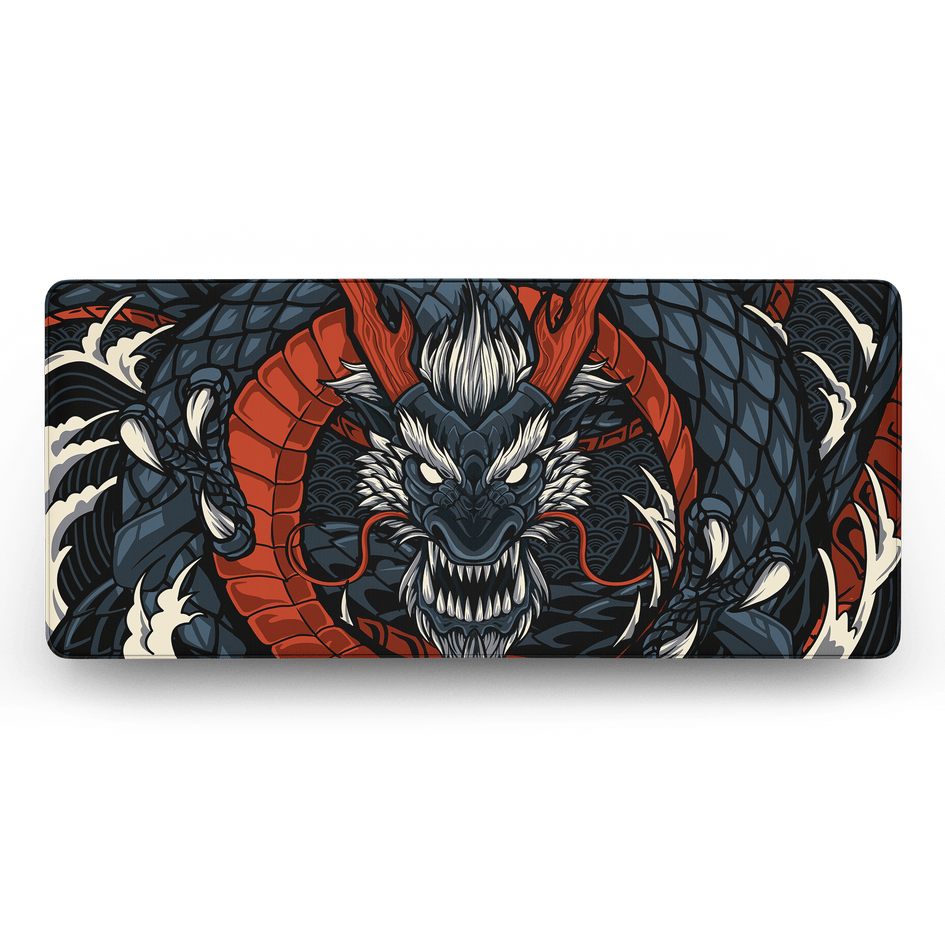
Ryujin

Designed as a subtle moving backdrop for your desktop setup.

DIGITAL DOWNLOAD
₱200
MACVETH DIGITAL ANIMATED
WALLPAPER
ANIMATED
Digital Wallpaper
MACVETH DIGITAL

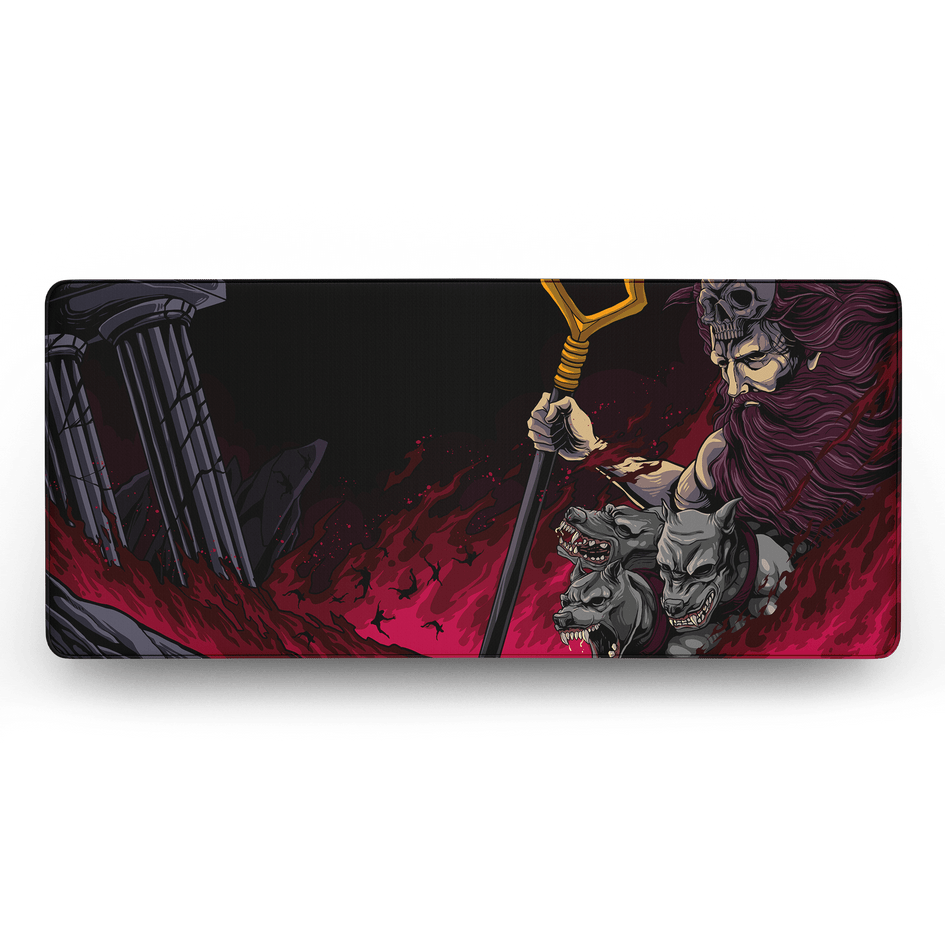
Explore More Artwork

Build your digital collection with more Macveth artwork.

DIGITAL DOWNLOAD
₱200
FREQUENTLY ASKED QUESTIONS

Everything You Need to Know.

Quick answers about Macveth Animated Wallpapers, redemption codes, digital delivery, and usage.

ā—‡ Still need help? Our support team can assist with redemption or digital delivery questions.
?
Still Have a Question?
Contact Macveth Support and we'll help you with your redemption or digital download.
What devices are Macveth Animated Wallpapers compatible with?

Macveth Animated Wallpapers are currently designed for Windows PCs and are intended to be used with Lively Wallpaper. Lively supports Windows 10 and newer versions of Windows.

Do I need to install anything?

Yes. You’ll need Lively Wallpaper to use the animated file as your desktop background. We’ll provide the download link and simple setup instructions.

Is Lively Wallpaper free?


Yes. Lively Wallpaper is free to use, so you won’t need to purchase additional software.

Does it work on Mac, Android, or iPhone?


Our current supported setup is Windows PC + Lively Wallpaper. macOS, Android, and iPhone are not currently supported.

How do I install my Animated Wallpaper?

After downloading your wallpaper:

  1. Download and install Lively Wallpaper using the link we provide. Download Lively Wallpaper →
  2. Open Lively Wallpaper.
  3. Add your Macveth Animated Wallpaper file.
  4. Select it and set it as your desktop background.
Will the Animated Wallpaper affect gaming or PC performance?


Animated wallpapers use some system resources, but Lively can pause wallpaper playback when a fullscreen game or application is running.

What is a Macveth Animated Wallpaper?


It is a motion version of selected Macveth artwork, created to extend the same visual experience from your deskmat to your screen.

Is the Animated Wallpaper included with my deskmat?


Selected qualifying Macveth Deskmats include their matching Animated Wallpaper complimentary, together with a unique redemption code.

Where can I find my redemption code?


Your unique redemption code can be found on the redemption card included inside qualifying Macveth Deskmat packages.

How do I redeem my included wallpaper?


Visit the Macveth Digital redemption page, enter your unique code, and continue through Shopify to claim the eligible matching wallpaper.

Can I use my redemption code more than once?

No. Each redemption code is intended for one successful redemption only. Once used, the same code cannot be redeemed again.

Bring the Artwork Beyond Your Desk.

Explore Macveth Animated Wallpapers or redeem the
digital artwork included with your qualifying deskmat.

ā“˜ Already own an eligible Macveth Deskmat? Use the one-time code included with your package.
āœ“ Windows + Lively
ā—‡ Digital Download
āœ“ Personal Use